

Import documentation is the single biggest time drain in international trade. Every shipment into the United States requires commercial invoices, packing lists, bills of lading, entry summaries, and often certificates of origin or regulatory approvals. According to U.S. Customs and Border Protection, an entry summary (CBP Form 7501) must be filed within 10 working days of cargo release, and estimated duties deposited in that same window. When you multiply those deadlines across hundreds of monthly shipments, manual paperwork becomes a compliance liability. Here is how to automate the process and reclaim those hours.
What Is Customs Documentation Automation?
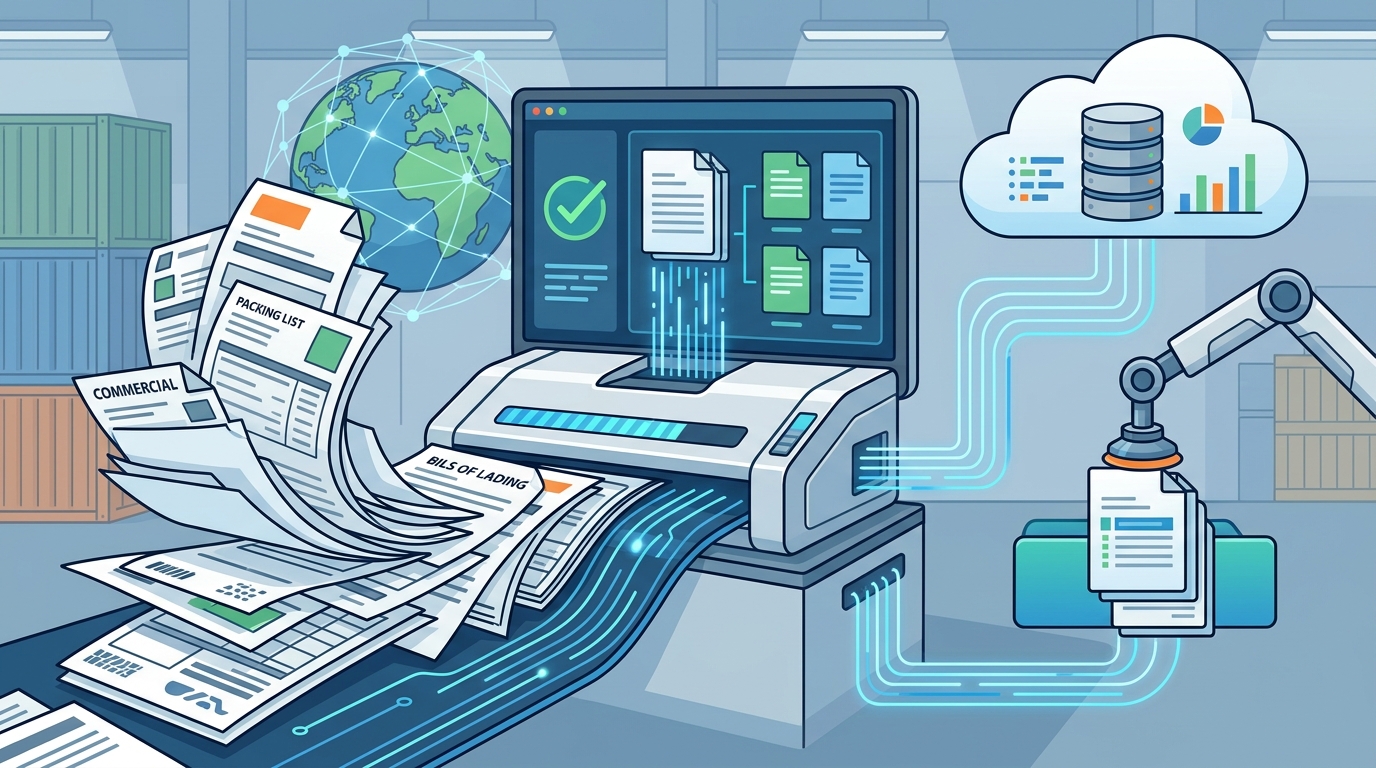
Customs documentation automation is the use of technology to extract data from trade documents, validate it against regulatory requirements, and prepare customs filings with minimal manual intervention. Instead of keying data from a commercial invoice into CBP Form 7501 by hand, an automated system reads the source document, cross-references HTS codes and tariff databases, and flags discrepancies before filing.
The Importal compliance platform takes this a step further by combining AI-powered document processing with licensed customs brokerage. The result is a workflow where standard filings move automatically and humans review only flagged exceptions, such as unusual values, missing certificates, or new tariff changes.
Why Manual Customs Paperwork Fails at Scale
Manual customs processing means copying and pasting shipment details between invoices, spreadsheets, and government portals. This approach introduces errors at every step. According to industry data, AI-powered document parsing can reduce processing costs from $5 to $10 per document down to mere cents, while labor costs drop by up to 80%.
The regulatory environment makes this worse. In 2025 and 2026 alone, Section 232 tariff rules changed multiple times, Chapter 99 codes shifted weekly, and IEEPA tariffs were struck down by the Supreme Court. Brokers who track these changes manually are inevitably missing updates. Importal's platform tracks every regulatory change in real time and surfaces updates directly to licensed brokers during entry filing.
The Cost of Errors
Classification mistakes do not just delay shipments. They trigger CBP audits. The FY2027 federal budget proposes a 45% funding increase for USTR and an additional $136 million for CBP to modernize ACE. That means more enforcement staff, more scrutiny, and less tolerance for filing errors.
Core Import Documents You Should Automate
Standard customs clearance requires several documents for every shipment. Here are the primary documents that benefit most from automation:
- Commercial Invoice - Contains product descriptions, quantities, values, and terms of sale.
- Packing List - Details carton counts, weights, and dimensions for each line item.
- Bill of Lading / Airway Bill - The carrier document that triggers cargo release timelines.
- Entry Summary (CBP Form 7501) - The formal filing with CBP that must include HTS codes, duty calculations, and country of origin.
- ISF (Importer Security Filing) - Required 24 hours before ocean cargo is laden aboard a vessel bound for the U.S.
- Certificates of Origin - Required for preferential duty treatment under agreements like USMCA or other trade programs.
Depending on the product, you may also need PGA-specific documents such as FDA prior notices, USDA phytosanitary certificates, or EPA import certifications.
Step-by-Step: Automating Your Import Documentation
Step 1: Centralize Your Product Data
Build a product library that stores HTS classifications, country of origin, unit values, and applicable duty rates for every SKU you import. This master database becomes the single source of truth that populates all downstream documents.
Step 2: Connect Your Data Sources
Link your ERP, order management system, or freight forwarder portal to your customs automation platform via API. Importal offers direct integrations that pull shipment data automatically, eliminating manual data transfers between systems.
Step 3: Enable AI-Powered Document Processing
Modern automation platforms use intelligent document processing (IDP) to extract data from commercial invoices, packing lists, and bills of lading. AI-driven extraction can achieve over 99% accuracy on structured fields like values, quantities, and tariff codes. The system validates extracted data against your product library and flags mismatches for human review.
Step 4: Automate Filing and Compliance Checks
Once documents are processed and validated, the platform prepares entry summaries, ISF filings, and any required PGA data. A licensed customs broker reviews flagged items, signs off, and files electronically through ACE. The Automated Commercial Environment (ACE) is the United States' centralized digital system for processing all imports and exports.
Manual vs. Automated: A Side-by-Side Comparison
| Factor | Manual Process | Automated with AI Platform |
|---|---|---|
| Processing time per entry | 30 to 60 minutes | Under 5 minutes |
| Cost per document | $5 to $10 | $0.05 to $0.10 |
| Data accuracy rate | 80% (industry average) | 99%+ |
| Regulatory update tracking | Manual CSMS and Federal Register review | Real-time automated alerts |
| Audit trail | Scattered across email and spreadsheets | Centralized, searchable, linked to source documents |
| Scalability | Requires proportional staff increases | Handles volume spikes without added headcount |
How to Choose the Right Automation Platform
Not all customs automation tools are created equal. Some handle only document extraction. Others focus on classification but lack filing capability. The most effective platforms combine document processing, compliance validation, and licensed brokerage in a single workflow.
Look for these capabilities:
- AI-powered HTS classification with confidence scoring and audit trail
- Real-time tariff and regulatory tracking that updates duty rates before entries are filed
- API integrations with your existing ERP, TMS, or e-commerce platform
- Licensed customs brokerage so filings are reviewed and submitted by qualified professionals
- Duty calculation tools like the Importal Duty Calculator Pro that account for Section 301, Section 232, and other special tariffs
A duty calculator is a tool that estimates the total taxes, fees, and tariffs owed on an imported product based on its HTS code, declared value, and country of origin. Having one built into your automation workflow prevents costly surprises at the border.
Key Takeaways
- Customs documentation automation reduces per-document processing costs by up to 99% compared to manual methods.
- AI-powered extraction achieves over 99% accuracy on structured customs fields.
- Centralizing product data in a classification library eliminates repetitive HTS lookups across shipments.
- Real-time regulatory tracking is essential in a tariff environment where rules change weekly.
- Platforms that combine document automation with licensed brokerage close the loop from data extraction to CBP filing.
- The U.S. government is investing heavily in trade enforcement, making compliance accuracy more important than ever.
- API integrations between your ERP and customs platform eliminate the manual handoffs where most errors occur.
Frequently Asked Questions
What documents can be automated in the customs clearance process?
The most commonly automated documents include commercial invoices, packing lists, bills of lading, entry summaries (CBP Form 7501), ISF filings, and certificates of origin. Some platforms also handle PGA-specific documents for agencies like the FDA and USDA.
How much time does customs paperwork automation save?
Organizations processing hundreds of international shipments per month typically reduce per-entry processing time from 30 to 60 minutes down to under 5 minutes. One industry case study showed automation reducing a 14,000-row invoice declaration from two weeks of manual work to under two hours.
Is AI-powered customs automation accurate enough for compliance?
Yes. Leading AI document processing tools achieve over 99% accuracy on structured data fields. The key is pairing AI extraction with human expert review on flagged exceptions, which is the model used by platforms like Importal's customs clearance service.
Do I still need a customs broker if I automate my documentation?
Yes. A licensed customs broker is a professional authorized by CBP to conduct customs business on behalf of importers. Automation handles data extraction and validation, but a licensed broker must review and sign off on filings to ensure legal compliance. Importal combines both in one platform.
Can automation handle tariff changes and new trade regulations?
The best platforms track regulatory changes in real time. For example, Importal monitors CSMS messages, Federal Register notices, and executive orders, then applies updates to entries automatically before they are filed with CBP.
What is an HTS code and why does it matter for automation?
An HTS code is a Harmonized Tariff Schedule classification number that determines the duty rate applied to an imported product. Accurate HTS classification is the foundation of every customs entry. AI-powered classification tools assign codes based on product descriptions and maintain an audit trail for each decision.
How do I get started with customs documentation automation?
Start by building a centralized product library with your HTS codes and supplier data. Then connect your systems via API to a platform that handles document processing, compliance checks, and filing. Request a demo from Importal to see how the full workflow operates.
What does customs documentation automation cost?
Costs vary by platform and shipment volume. However, industry benchmarks show automated processing drops document costs from $5 to $10 per document to as low as $0.05 to $0.10, with labor cost reductions of up to 80%.
Get Started With Importal
Stop spending hours on paperwork that software can handle in minutes. Importal is the first AI-powered licensed U.S. customs brokerage, combining intelligent document processing, real-time regulatory tracking, and expert broker review in one platform. Whether you are filing 10 entries a month or 10,000, Importal automates the repetitive work so your team can focus on strategy.
Request your free demo today and see how Importal simplifies your imports from day one.